Can I Afford a Gaming PC?
A new build is exciting. Affordly helps you check whether dropping $2,000+ now will quietly tip your budget into the red — or whether waiting 60 days gets you the same build with a healthier cushion.
Built for planning, not pressure.
Why impulse builds backfire
Tech purchases feel like one-time spending, but they often arrive with accessories, upgrades, and credit-card interest that drag for months after the box is opened.
- GPU pricing swings quickly — waiting can save hundreds.
- Peripherals, monitor, and chair often add 30–50% more.
- Card interest can quietly double the real cost.
- Savings drained on a build can hurt during an emergency.
How Affordly checks the build
Enter the build cost, how you plan to pay, and your monthly budget. Affordly returns a verdict, a recovery timeline, and a side-by-side compare against waiting 60 days.
Stress score on the purchase right now vs in 60 days.
Impact on your emergency fund.
Scenario for paying cash vs putting it on a card.
Compare two builds side by side.
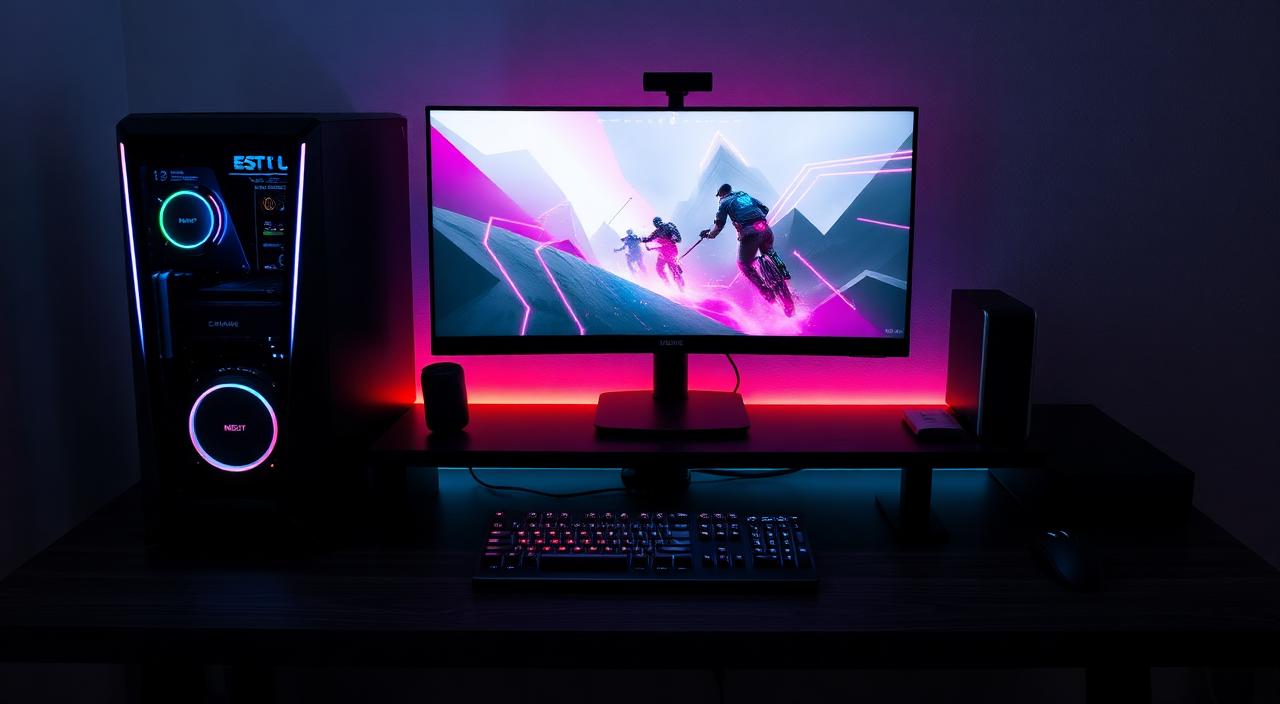
Pre-built vs custom: not just a price question
A custom build often comes in 10 to 20 percent cheaper than an equivalent pre-built and gives you better parts at every tier. But it also means you're on the hook for assembly, returns, and troubleshooting. A pre-built is more expensive but offloads that work and usually carries a unified warranty.
Affordly doesn't pick for you, but you can model both scenarios. Sometimes the slightly more expensive pre-built actually scores better once you factor in the time cost and the risk of a DOA part stretching the project across two months.
Don't forget the peripherals
A common mistake: the buyer budgets $1,800 for the tower and then realizes they also need a monitor, keyboard, mouse, headset, chair, and possibly a desk. That's another $400 to $1,200 depending on tier. If those costs land on a credit card while the tower came out of savings, the real cost can be 40 percent higher than the original number.
Affordly's input flow includes peripherals so the verdict reflects the full ecosystem, not just the box.
- Monitor: usually the largest peripheral cost.
- Keyboard, mouse, headset: $100–$400 combined.
- Chair and desk: easy to spend $300+ each.
- Software, games, subscriptions: ongoing, not one-time.
The wait-60-days scenario
GPU and component pricing moves on a cycle. Major sales land predictably around Black Friday, back-to-school, Prime Day, and new-generation launches. For most builders, waiting 60 to 90 days produces a meaningfully better dollar-per-frame ratio.
Affordly's compare view runs the same build today versus the same build after two months of saving. The wait scenario usually shifts the verdict from yellow to green and adds a few hundred dollars of savings cushion at the same time.
When buying now is the right call
If your current machine is failing, if you need the build for work or school, or if there's a real time-sensitive use case, waiting may not be the right move. Affordly will still show the trade-off — you'll just be making the decision with the numbers visible rather than hidden.
Example scenario
$2,300 build + $400 peripherals
Buyer earns $3,800/month after taxes and has $2,100 saved. Plans to charge $1,500 of it.
Affordly read
Affordly flags high risk. Emergency fund drops below one month and card interest adds ~$220 over 12 months. Suggests saving 2 more months or trimming the build.
Frequently asked questions
Is it worth financing a PC?
Usually not. Tech depreciates fast and consumer credit is expensive. Affordly will show the true cost if you decide to anyway.
What if there's a sale?
Run two scenarios in Affordly — buy at sale vs wait — and compare the verdict and recovery time.
Does Affordly include peripherals?
Yes. Add monitor, chair, and accessories as part of the total so the verdict reflects what you'll actually spend.
Can I plan for upgrades later?
Yes. Use the roadmap to schedule a future GPU or storage upgrade and see how it stacks on top of the original build.
Is this financial advice?
No. Affordly provides estimates and planning tools only — not certified financial advice.
Related Affordly tools
Ask Affordly before you buy.
Run a quick scenario in under a minute and see if it fits your real cash flow.
Start a ScenarioAffordly provides estimates and planning tools only. It is not financial, legal, tax, or investment advice.